CLI-Native
mold run "a cat". That's it. Predictable stdin, stdout, files, exit behavior, and machine-readable output make the same workflows natural for terminals, shell pipelines, CI, and agents.
Create locally with NVIDIA CUDA or Apple Silicon Metal. Use the CLI, desktop app, web studio, or terminal interface, and connect from iPhone or Android when you are away from the GPU.

mold run "a cat". That's it. Predictable stdin, stdout, files, exit behavior, and machine-readable output make the same workflows natural for terminals, shell pipelines, CI, and agents.

FLUX.1, SDXL, SD 1.5, SD 3.5, Z-Image, Flux.2 Klein, Qwen-Image, Qwen-Image-Edit, Wuerstchen v2, LTX Video (0.9.x, 2, 2.3, and 2.5), Wan 2.1/2.2, and MiniMax H3. Create images, video, and generated audio with model variants suited to a wide range of GPUs.

Run mold serve on a GPU host, generate from anywhere. REST API with SSE streaming for real-time progress.

Built-in Discord bot for generation, mesh, identity, transparency, prompt tools, attachment upscaling, models, and status. Server profiles govern generation; scripted chains and durable mesh workflows stay in the CLI/API.

Transform existing images, run multimodal Qwen edit workflows, inpaint regions with masks, and guide generation with ControlNet conditioning. LoRA adapters for FLUX, Flux.2, LTX-2, SD1.5, SD3, SDXL, Qwen-Image, Qwen-Image-Edit, Wan, and Z-Image.

Docker images for RunPod and any NVIDIA host. Nix flake, systemd service, NixOS module included.

Local LLM expands short prompts into detailed descriptions. Auto-downloads Qwen3-1.7B, dropped before diffusion runs.

Use mold from OpenClaw as a workspace skill while your GPU server runs elsewhere. Point `MOLD_HOST` at the server and generate from agent flows.
Mold began as a single-binary command-line tool and the CLI remains its stable foundation. Every core workflow can be run by a person, composed in a shell pipeline, automated in CI, or called by an agent. mold serve, REST/SSE, MCP, and the desktop and web surfaces all extend that same engine and contract; the iPhone and Android apps use the same contract as remote-only clients.
Create locally on Apple Silicon or NVIDIA, or connect every Mold machine you use. On a Mac there are two desktop apps, side by side: Mold Studio, built natively for macOS 26, and Mold Desktop, the same app that runs on Windows and Linux. Both carry mold's Metal engine, a merged multi-machine Library, queues, models and machines in one window.
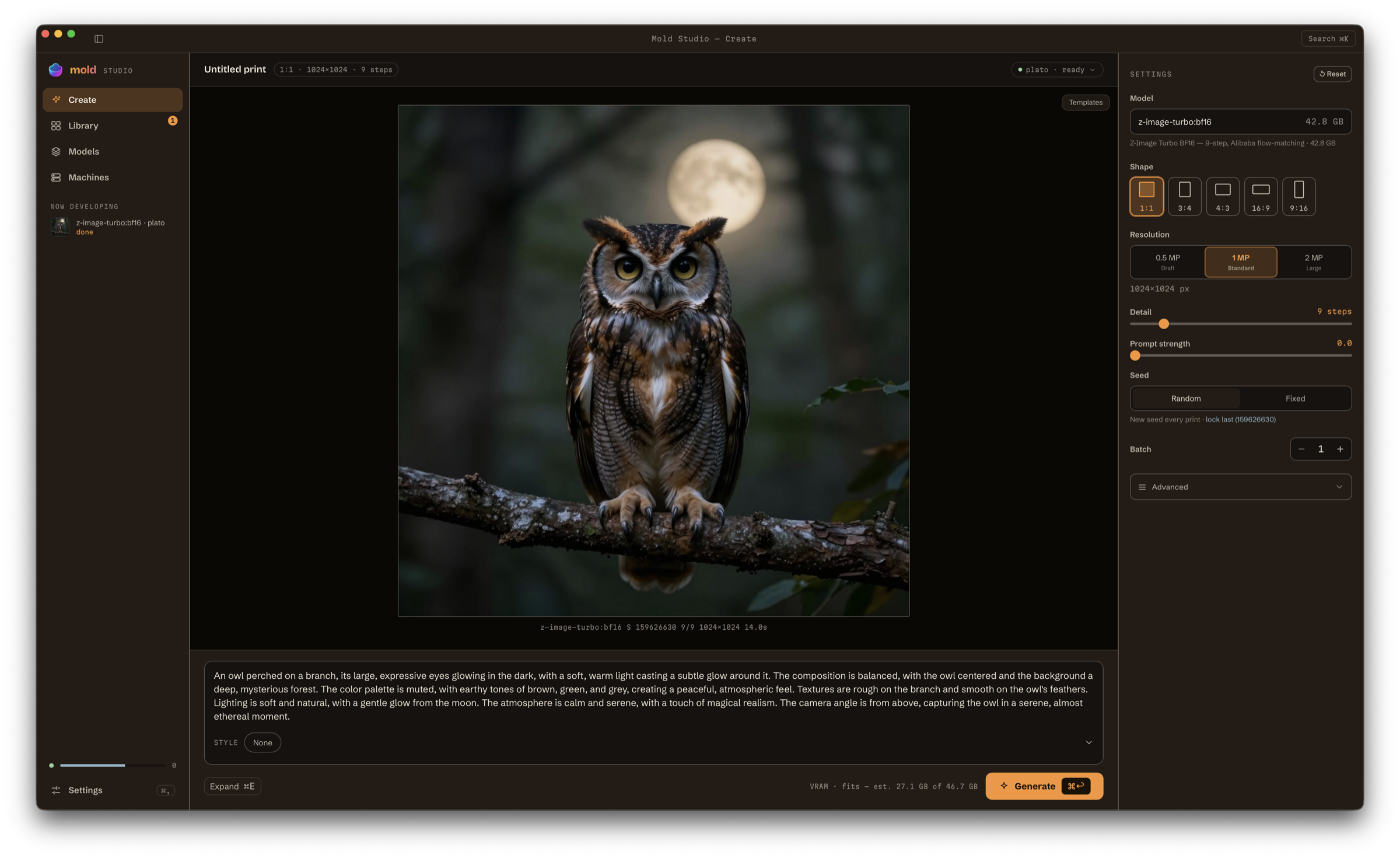
 Mold Studio for MacBuilt natively for macOS · Apple Silicon · macOS 26+Mold Desktop for MacSame app as Windows and Linux · Apple Silicon · macOS 12+
 Mold Desktop for WindowsInstaller · x64
 Mold Desktop for Linuxx86_64 · for remote GPU machines
All downloads, including iPhone, iPad, Android, the CLI and nightly builds · Which Mac app? · Windows CLI instructions
# Install
curl -fsSL https://raw.githubusercontent.com/utensils/mold/main/install.sh | sh

# Generate
mold run "a cat riding a motorcycle through neon-lit streets"

# Pick a model
mold run flux-dev:q4 "a sunset over mountains"

# Pipe to an image viewer
mold run "neon cityscape" | viu -
For the latest rolling CLI build from main, install with curl -fsSL https://raw.githubusercontent.com/utensils/mold/main/install.sh | MOLD_CHANNEL=nightly sh.
Every example below was generated with mold on our own hardware. Video cards with a speaker icon include model-generated audio; press play to hear them.
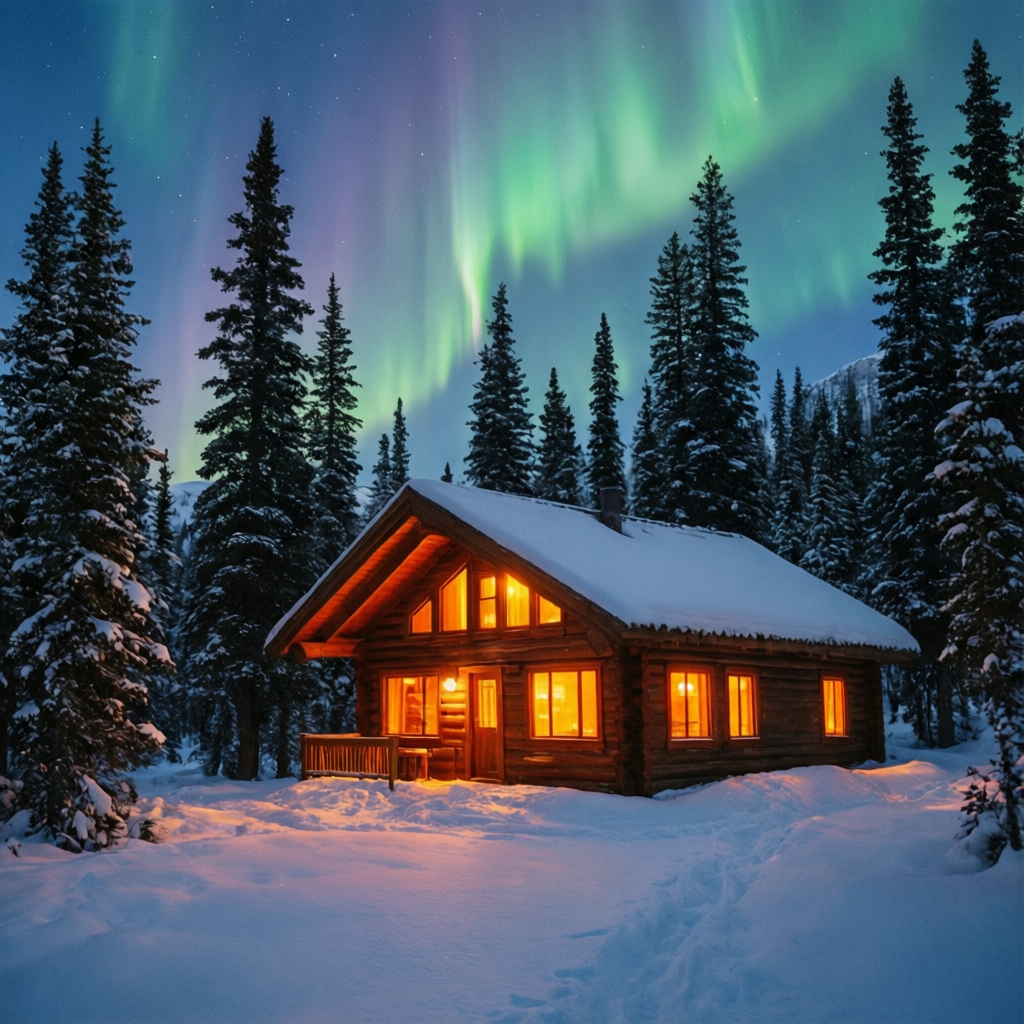
qwen-image-2512:q4: 50 steps, seed 888 "A snowy mountain cabin at twilight, warm orange light pouring from the windows, aurora borealis in the sky above, tall pine trees covered in snow, peaceful winter scene"
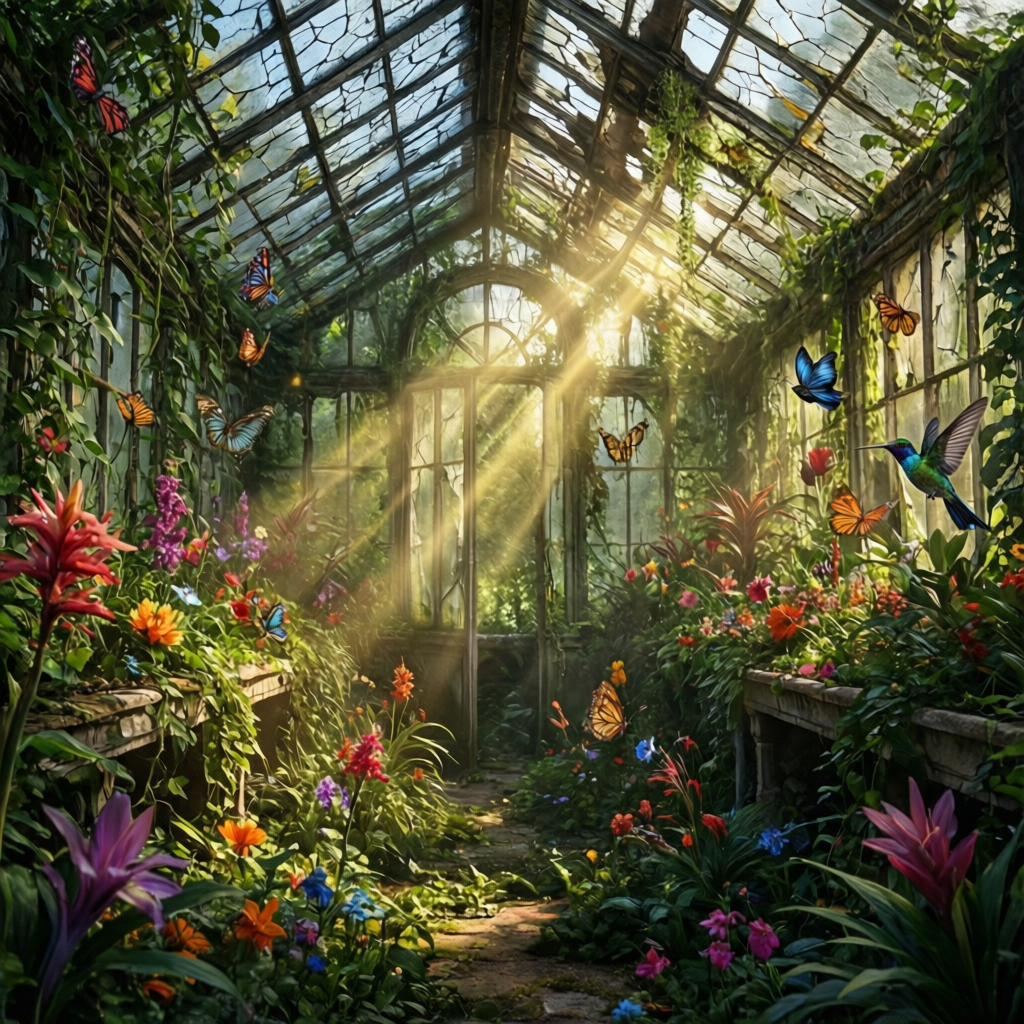
qwen-image-2512:q4: 50 steps, seed 2024 "An abandoned greenhouse overgrown with exotic flowers and vines, cracked glass roof letting in shafts of golden light, butterflies and hummingbirds, lush and magical"
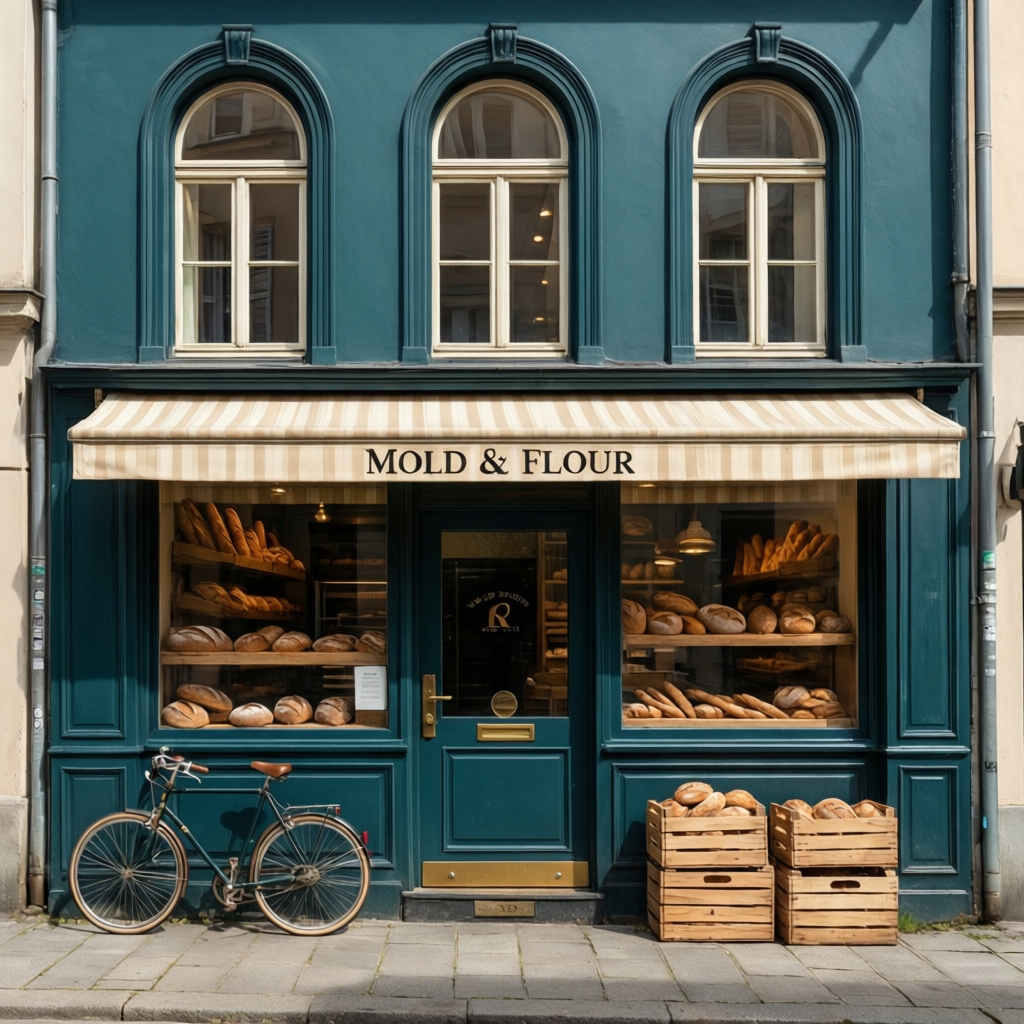
qwen-image-2512:q8: 50 steps, seed 251201 "A tiny artisan bakery named MOLD & FLOUR, deep teal facade, arched windows, striped awning, vintage delivery bicycle, sunny spring morning"
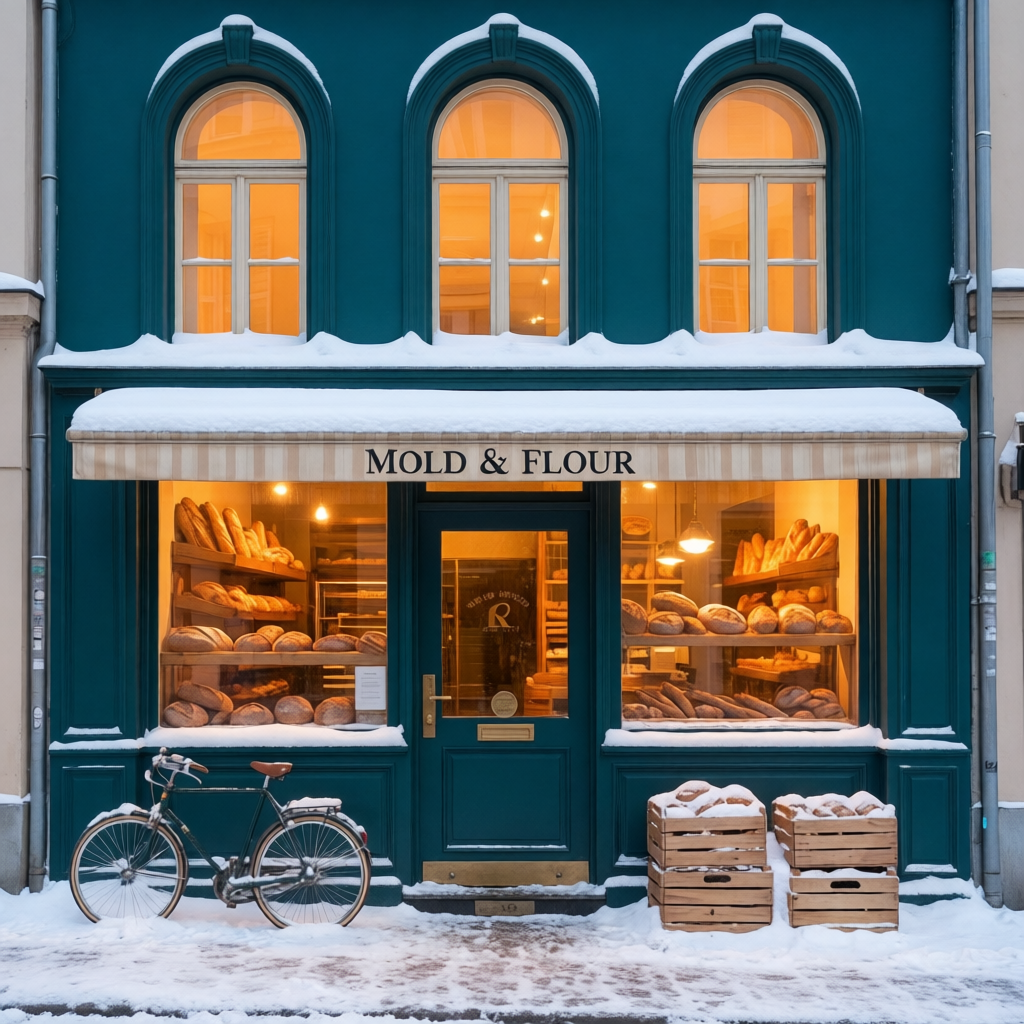
qwen-image-edit-2511:q8: 50 steps, seed 251111. Changed the spring storefront to snowy blue hour while preserving its readable sign, architecture, displays, bicycle, and composition.
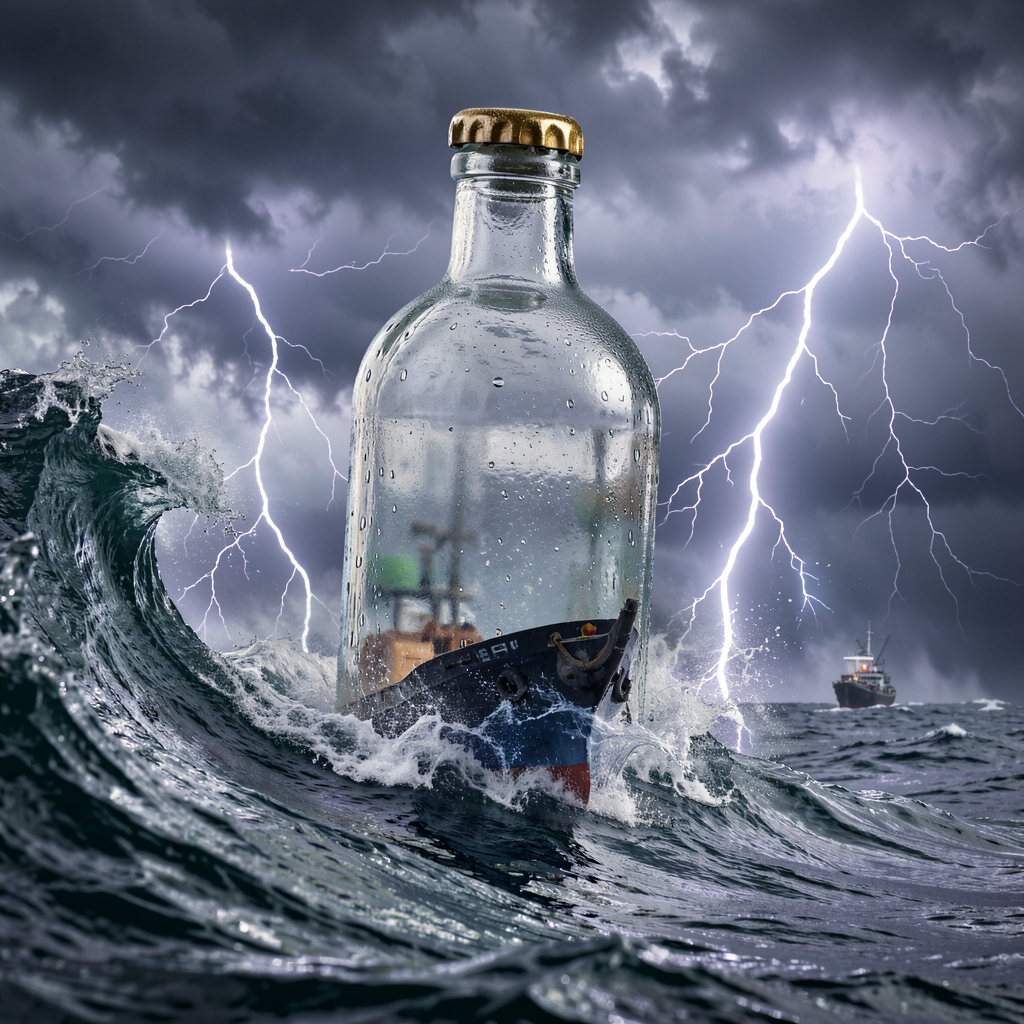
flux2-klein-9b:q4: 4 steps, seed 999 "A glass bottle ship inside a stormy ocean wave, dramatic lightning, hyperrealistic macro photography"
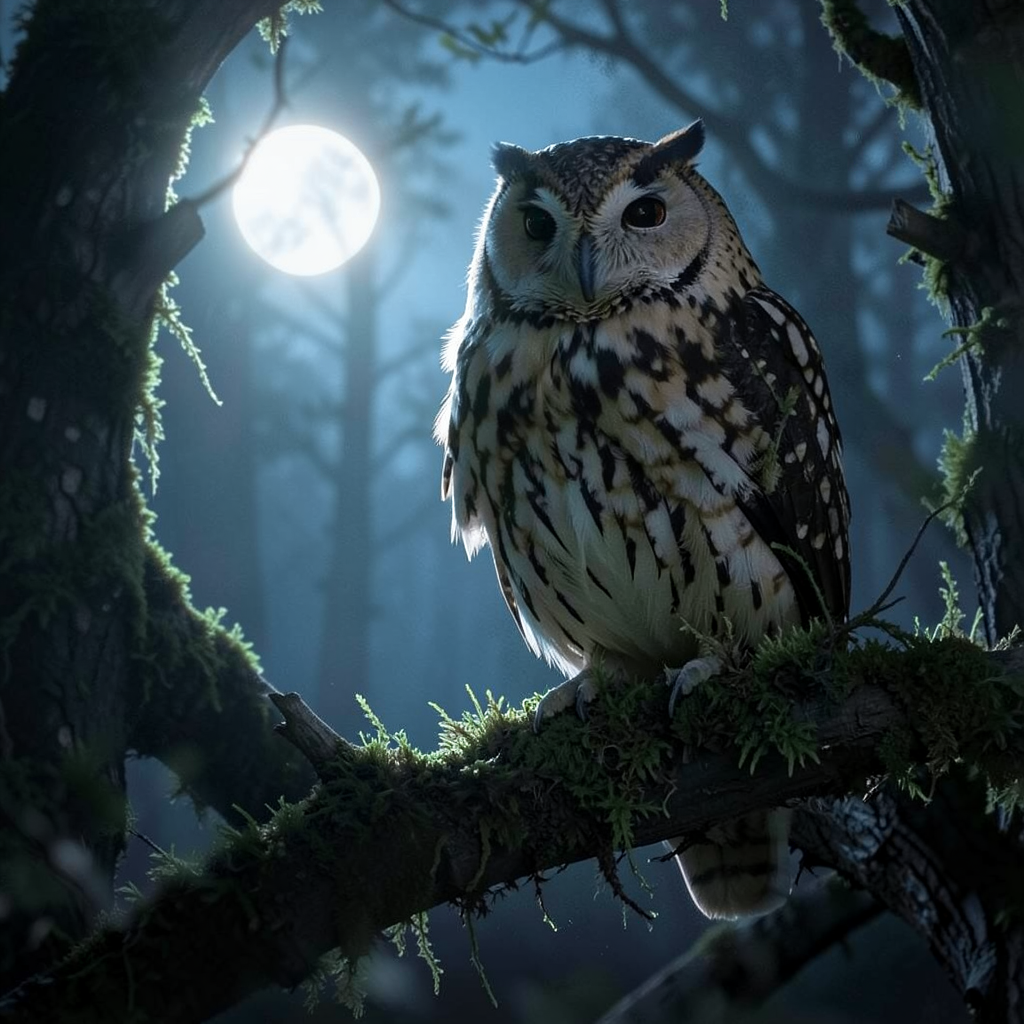
flux2-klein:bf16: 4 steps "a majestic owl perched on a mossy branch in a moonlit forest"
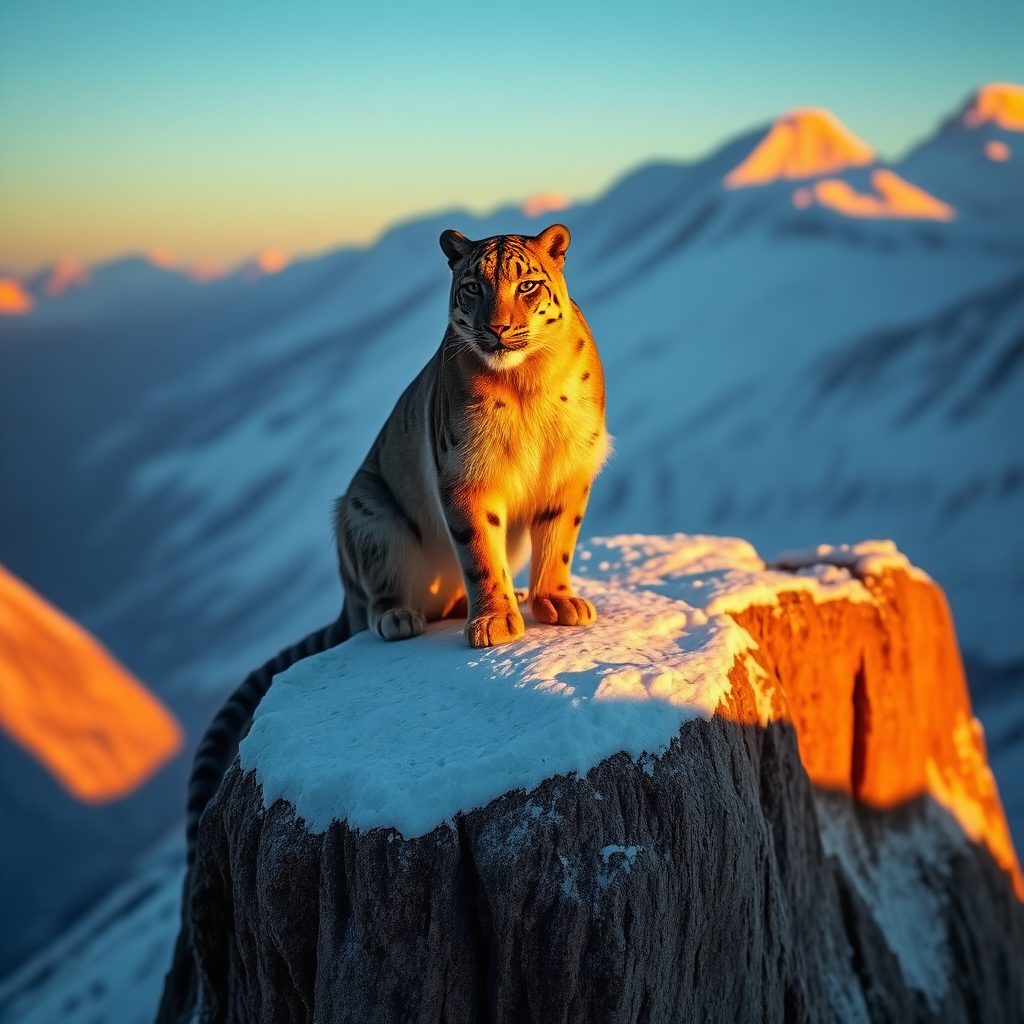
flux-schnell:q8: 4 steps, seed 42 "A majestic snow leopard perched on a Himalayan cliff at golden hour, cinematic lighting, photorealistic"
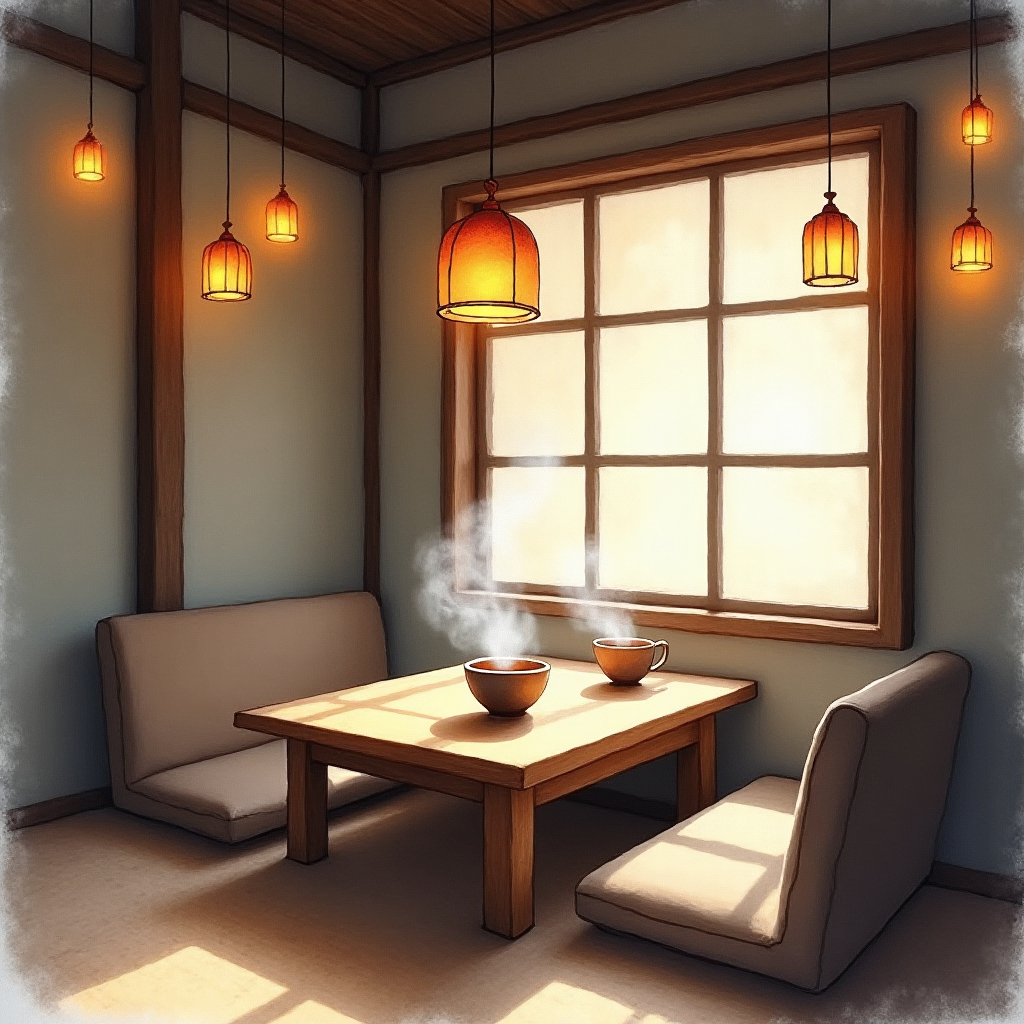
flux-dev:q4: 25 steps, seed 1337 "A cozy Japanese tea house interior with warm lantern light, steam rising from ceramic cups, watercolor style"
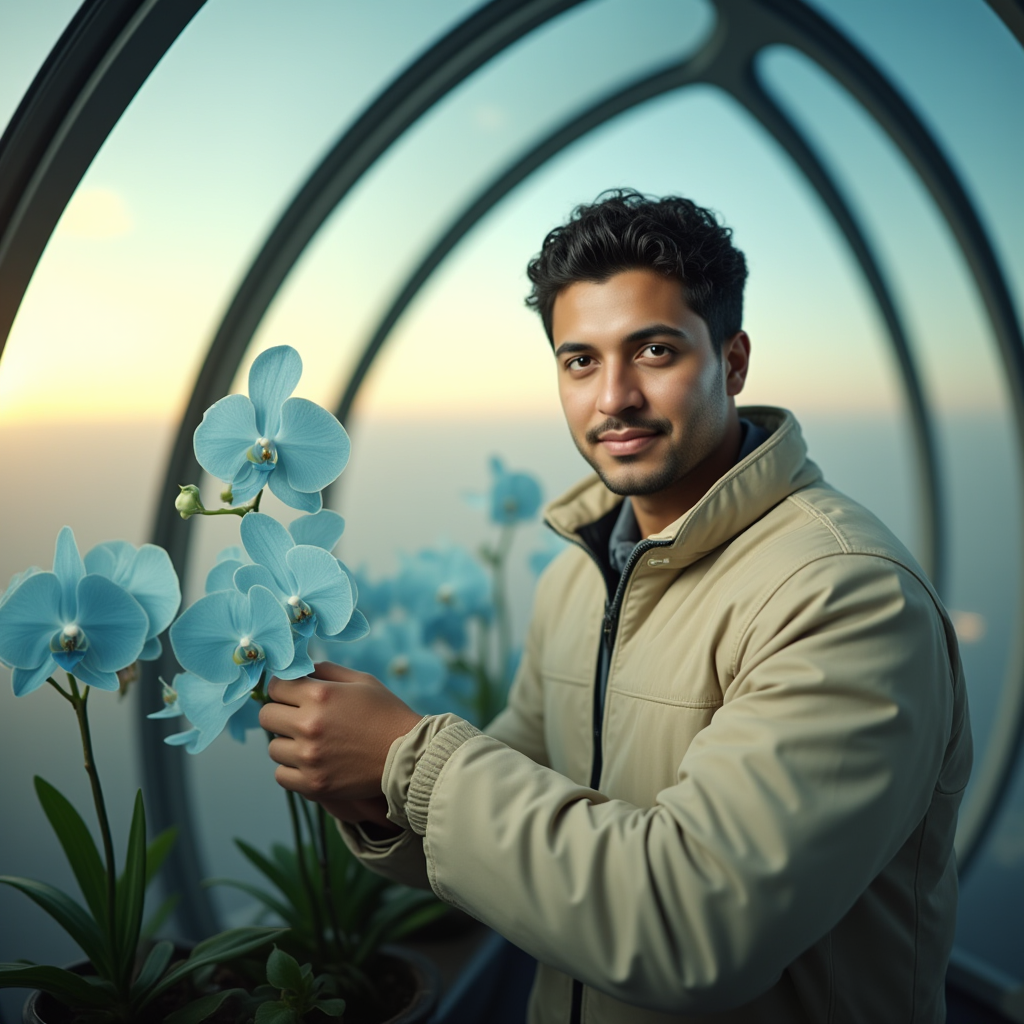
flux-dev:q4 + PuLID-FLUX v0.9.1: 25 steps, seed 83120. The same synthetic reference face is preserved in a new orbital-greenhouse scene with --id-weight 0.85. See the reference and comparison.
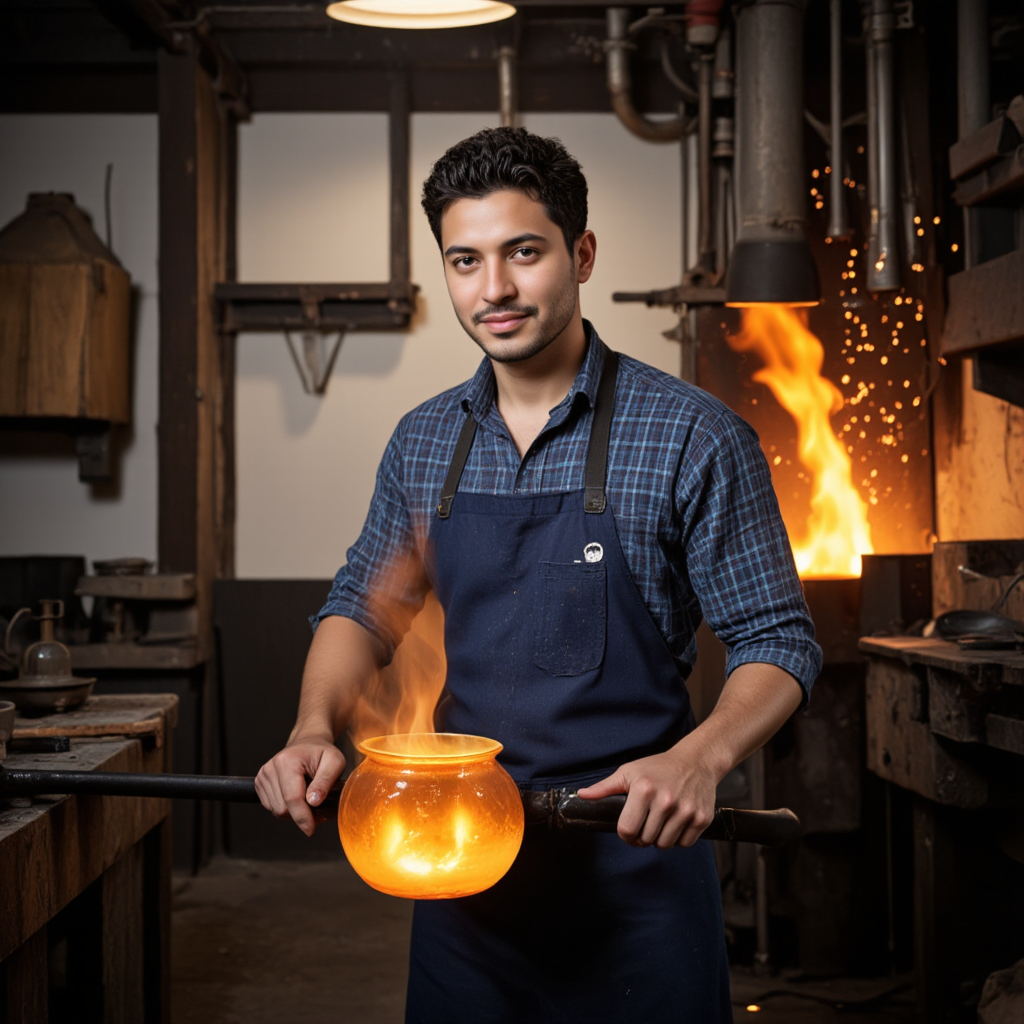
jibmix-flux:fp8 + PuLID-FLUX v0.9.1: 25 steps, seed 83122. The same reference identity is restaged as a Venetian glassblower with --id-weight 0.8.
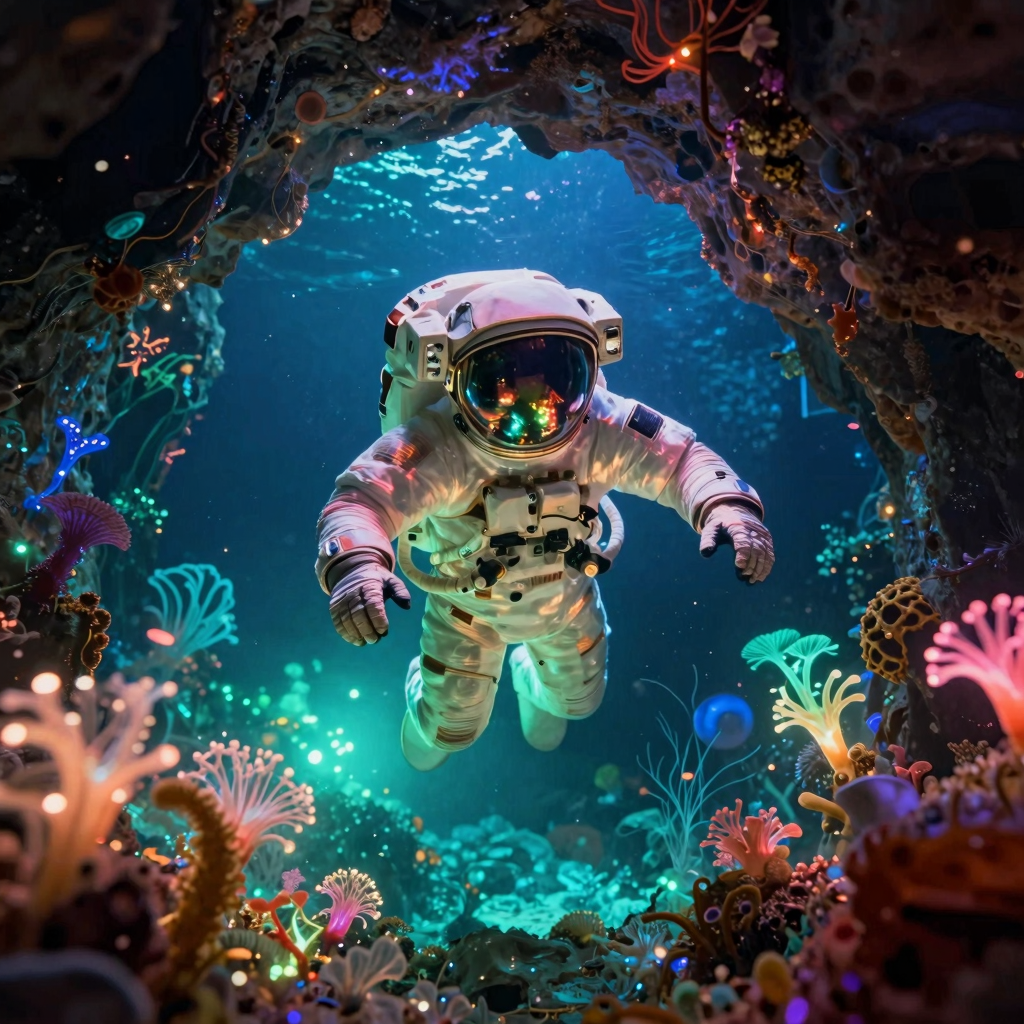
z-image-turbo:q8: 9 steps, seed 777 "An astronaut floating through a bioluminescent underwater cave, reflections on the helmet visor, science fiction art"
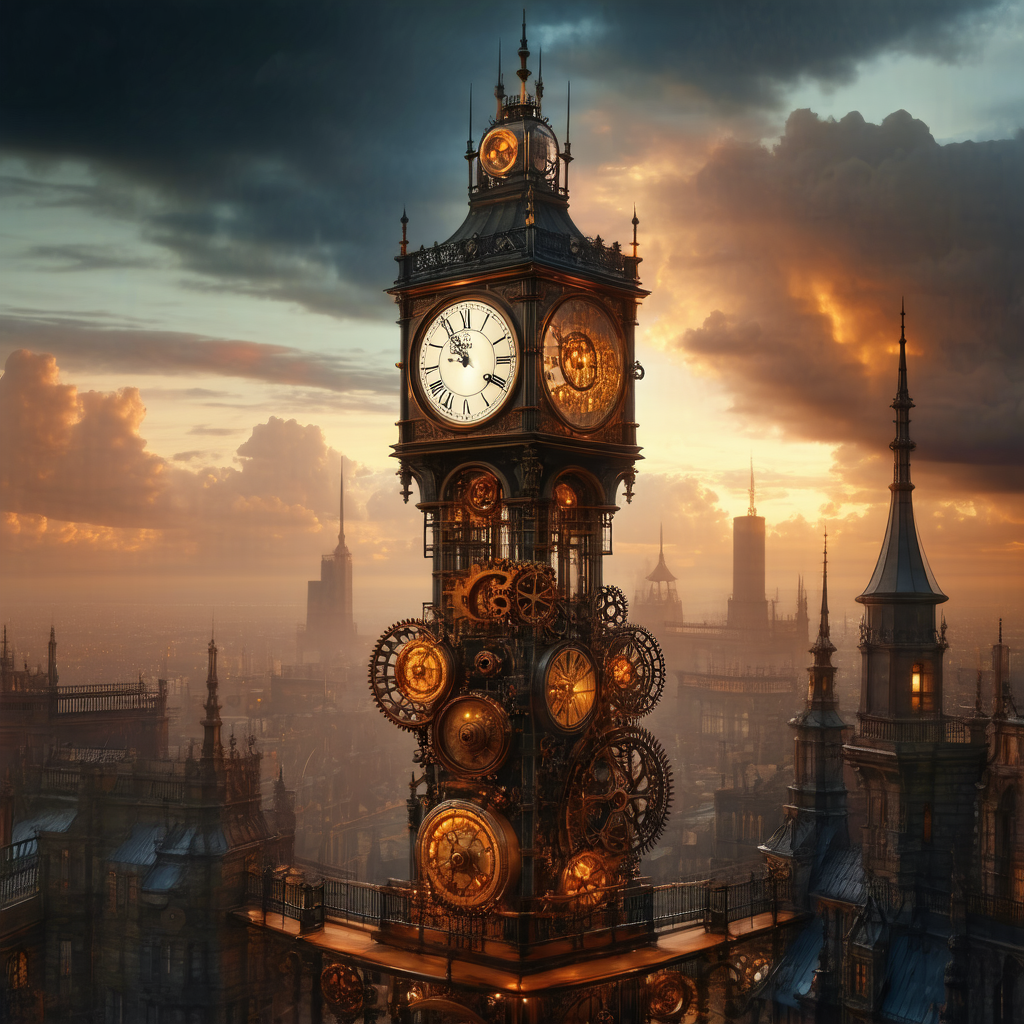
sd3.5-large:q8: 28 steps, seed 2024 "A steampunk clocktower in a Victorian city at sunset, gears and cogs visible through glass walls, dramatic clouds"
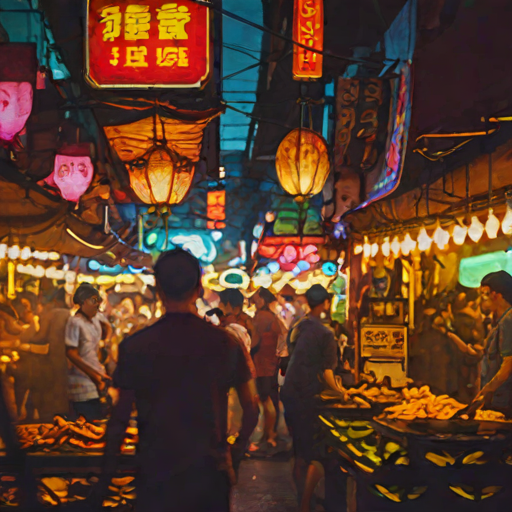
sdxl-turbo:fp16: 4 steps, seed 88 "A vibrant street food market in Bangkok at night, neon signs, steam from woks, bustling crowd"
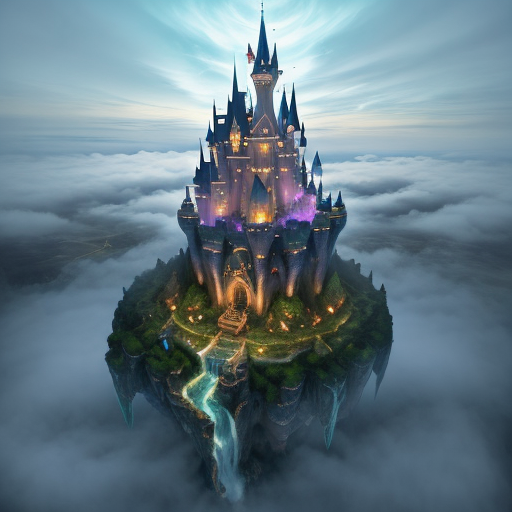
dreamshaper-v8:fp16 (SD 1.5): 25 steps, seed 555 "A fantasy castle perched on floating islands above clouds, magical waterfalls, ethereal glow"
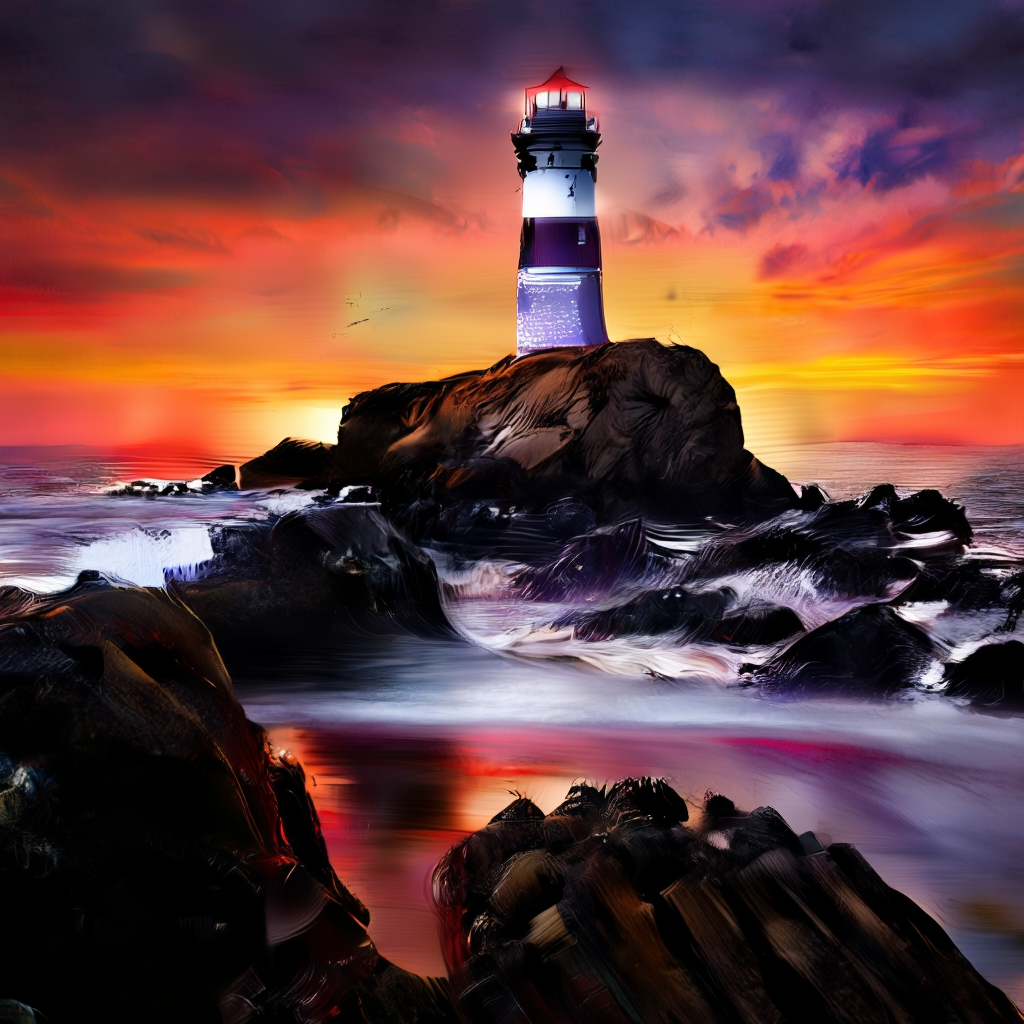
wuerstchen-v2:fp16: 30 steps, seed 42 "A lighthouse on a rocky coast during a dramatic sunset, oil painting style, vibrant orange and purple sky"
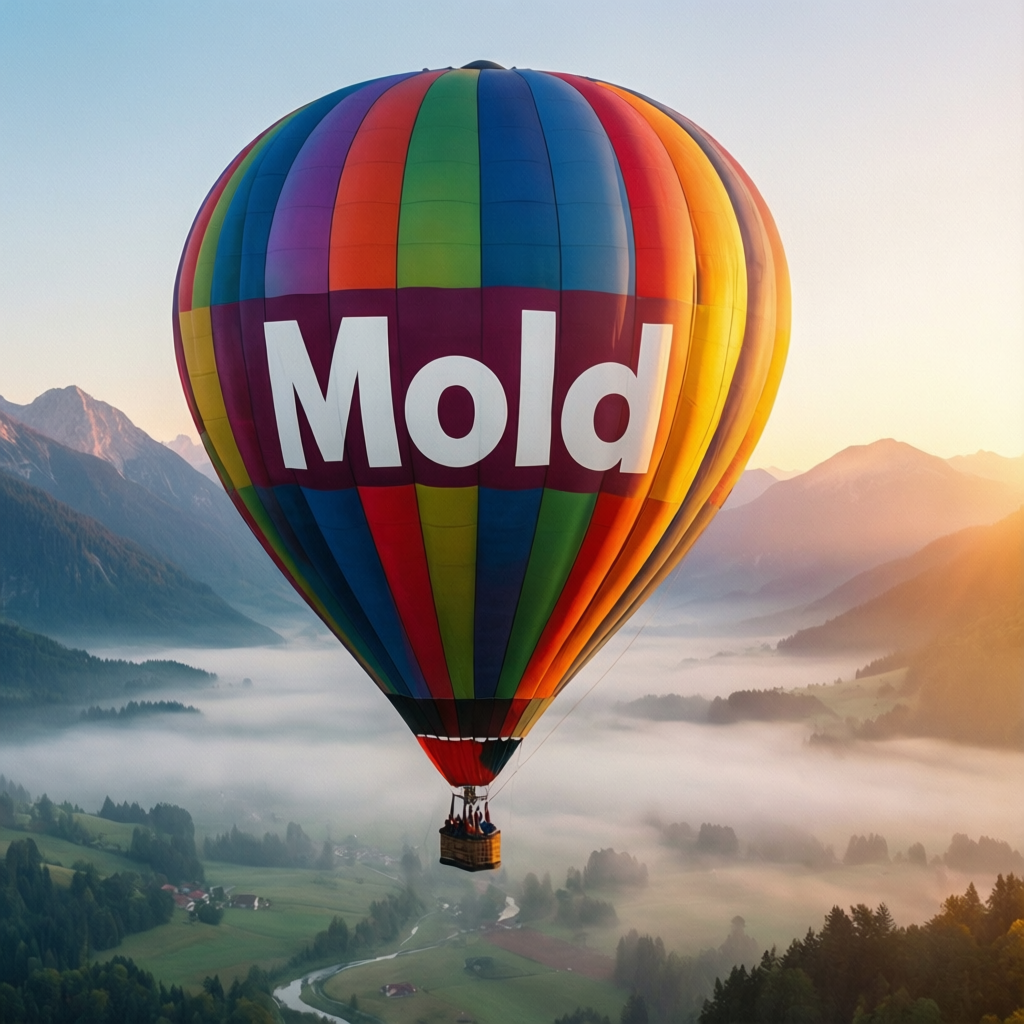
qwen-image-2512:q4: 50 steps, seed 314 "A colorful hot air balloon floating over a misty valley at sunrise, the balloon has the word MOLD written in bold white letters on the side, mountains in the background, dreamy atmosphere"
ltx-video-0.9.6-distilled:bf16: 8 steps, 33 frames, seed 1234 "Northern lights dancing over a frozen lake in Iceland, green and purple aurora ribbons reflected in the ice, stars visible, time-lapse photography"
ltx-video-0.9.6-distilled:bf16: 8 steps, 33 frames, seed 707 "Underwater footage of a jellyfish pulsing through deep blue water, bioluminescent glow, particles floating, ethereal slow motion"
wan22-t2v-a14b:q4: 4 steps, 49 frames, seed 83005 "A red fox walks through fresh snow beneath frost-covered pines as the camera tracks alongside it". Wan T2V output is silent by design.
minimax-h3-fl2va:comfy-pruned-int8-turbo-4step-768p: 124 frames, 24 fps, seed 83009. Generated synchronized speech: "With Mold, your ideas render right here."
minimax-h3-fl2va:comfy-pruned-int8-turbo-4step-768p: 992x992, 124 frames, 24 fps, seed 83004. First-frame conditioning preserves the balloon layout and the word “MOLD” while adding camera motion and a generated soundscape.
ltx-2.5-22b-distilled:q6: 121 frames, 24 fps, seed 83007. A continuous presenter shot with generated voice, room ambience, and lip synchronization.